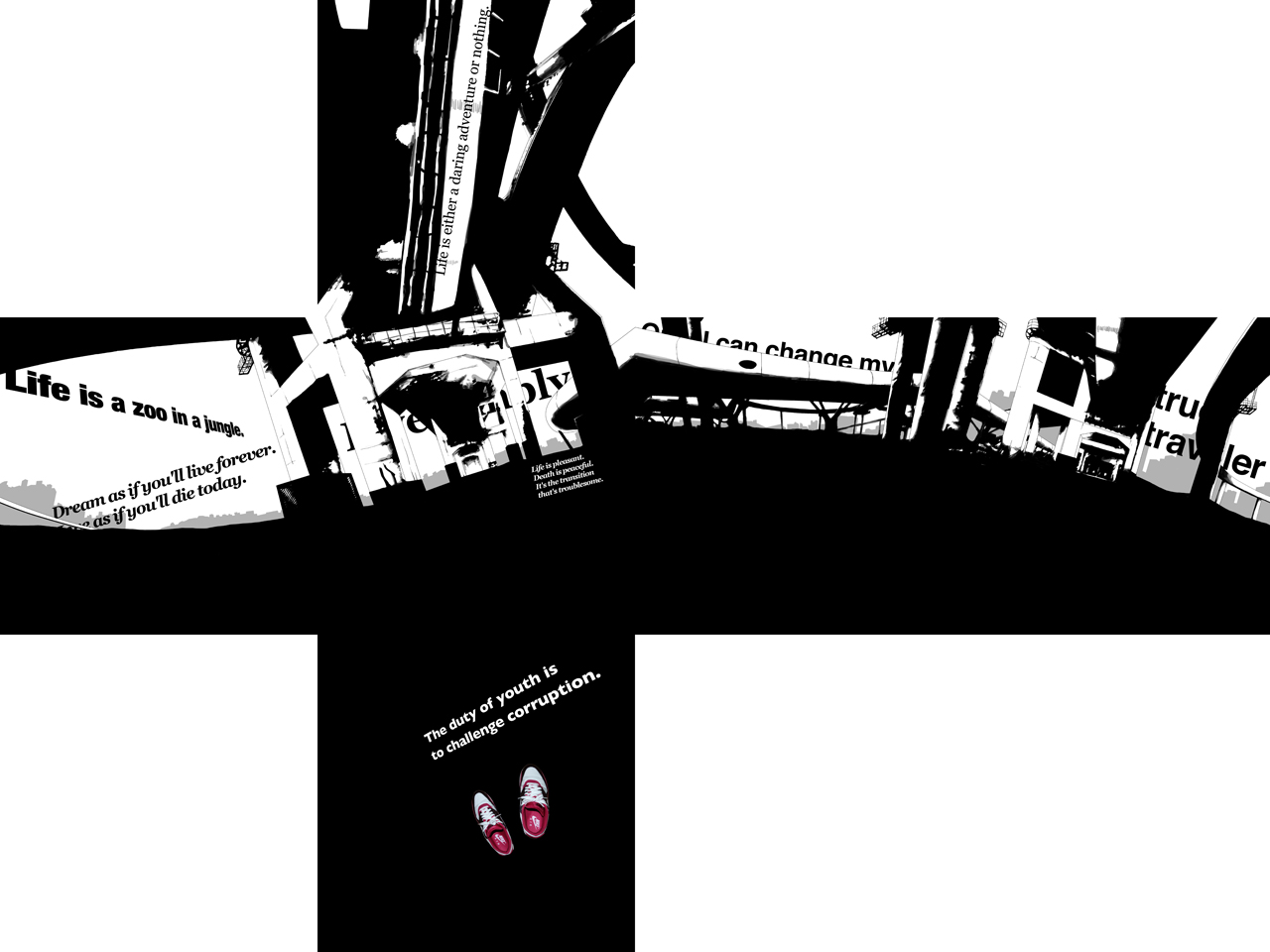
When I check the best seller list at kyobobook.co.kr, books about mentor, motto and self development are always high-ranked. It shows that people can't find the way they are and it's not possible to get the answer from books. Thus, I want to express the modern people who are stuck in the flow of good words about life.
words used in this project
Life is a zoo in a jungle. (Peter De Vries)
Life is either a daring adventure or nothing. (Helen Keller)
Only I can change my life. No one can do it for me. (Carol Burnett)
The duty of youth is to challenge corruption. (Kurt Cobain)
Dream as if you'll live forever. Live as if you'll die today. (James Dean)
Life is pleasant. Death is peaceful. It's the transition that's troublesome. (Isaac Asimov)
The true traveler is he who goes on foot, and even then, he sits down a lot of the time. (Colette)
Live simply that others may simply live. (Mahatma Gandhi)
Steps
1. Revise the previous project
2. Add words
3. QTVR
4. Drawing
5. Cube
words used in this project
Life is a zoo in a jungle. (Peter De Vries)
Life is either a daring adventure or nothing. (Helen Keller)
Only I can change my life. No one can do it for me. (Carol Burnett)
The duty of youth is to challenge corruption. (Kurt Cobain)
Dream as if you'll live forever. Live as if you'll die today. (James Dean)
Life is pleasant. Death is peaceful. It's the transition that's troublesome. (Isaac Asimov)
The true traveler is he who goes on foot, and even then, he sits down a lot of the time. (Colette)
Live simply that others may simply live. (Mahatma Gandhi)
Steps
1. Revise the previous project
2. Add words
3. QTVR
4. Drawing
5. Cube
QTVR ▼


